CAPSPARK FOR IPHONE
Captions for
your videos,
on iPhone.
CapSpark listens to your video and writes the captions for you. Fix any word, pick a style, and save the finished video to Photos.
In development
See how it works 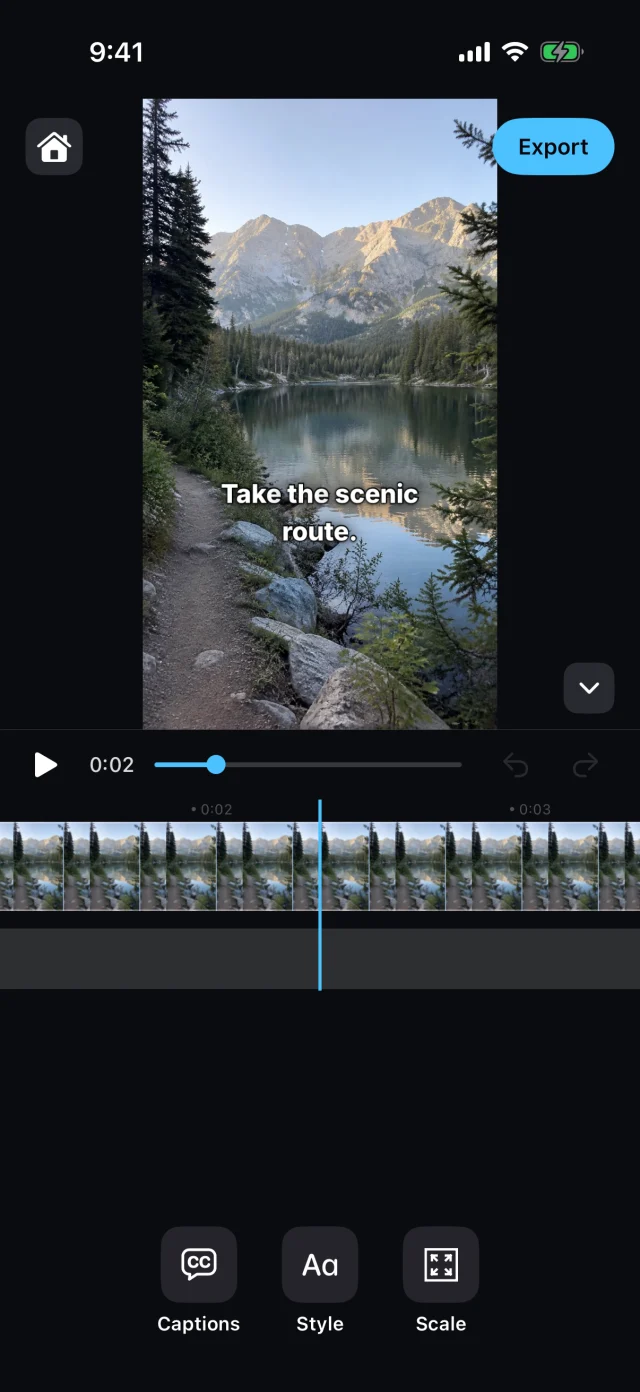
HOW IT WORKS
From video to captions in three steps.
- 01
Pick a video.
Choose a clip from Photos or Files. CapSpark makes the captions for you.
- 02
Check the words.
Each word is timed to the voice. Tap a line to fix a word, or move it on the timeline.
- 03
Pick a style and export.
Choose how the captions look, then export the video. It saves straight to Photos.

CapSpark is in development.
It isn’t on the App Store yet. When it is, this button will work.
In development
Get in touch